Services shaped around the work

One studio for the
system behind the work.

Bring us the workflow that generic software keeps bending out of shape. We can repair one handoff, build a focused agent, or design the operating layer end to end.

Discuss your operation
01
Core platform

Custom Service OS

A purpose-built operating layer that gives every role the right view of the same work. The system follows your operation instead of forcing the operation to follow the software.

Typical scope

  • Intake, scheduling, dispatch, work orders, and reporting
  • Owner, office, field, partner, and customer workspaces
  • Role permissions, audit history, and exception handling
  • Migration, launch support, training, and ongoing improvement
02
Focused digital teammate

AI Agent Setup

A practical agent configured for one role and one recurring outcome. It works from approved context, reaches only the tools it needs, prepares actions, and escalates judgement to a person.

Typical scope

  • Job definition, success measure, and escalation policy
  • Dedicated workspace, knowledge, identity, and approved connections
  • Evaluation set, review queue, activity history, and usage controls
  • Pilot support, team training, monitoring, and measured expansion
03
In the field and with the client

Portals & field tools

Clear, fast interfaces for technicians, staff, customers, and partners — designed around the moment of use, including unreliable connectivity and one-handed mobile work.

Typical scope

  • Mobile workflows, checklists, capture, signatures, and offline support
  • Customer status, documents, approvals, messaging, and payments
  • Accessible role-specific navigation and larger field hit targets
  • App release, device testing, adoption support, and analytics
04
Connected operations

Integration & automation

A governed workflow layer across the systems worth keeping. Data moves once, approvals stay visible, and exceptions arrive with enough context for someone to act.

Typical scope

  • CRM, accounting, booking, payments, documents, and communications
  • Rules, approvals, retries, alerts, and exception queues
  • Data contracts, traceability, and operational dashboards
  • Monitoring, support, and staged replacement of fragile legacy steps
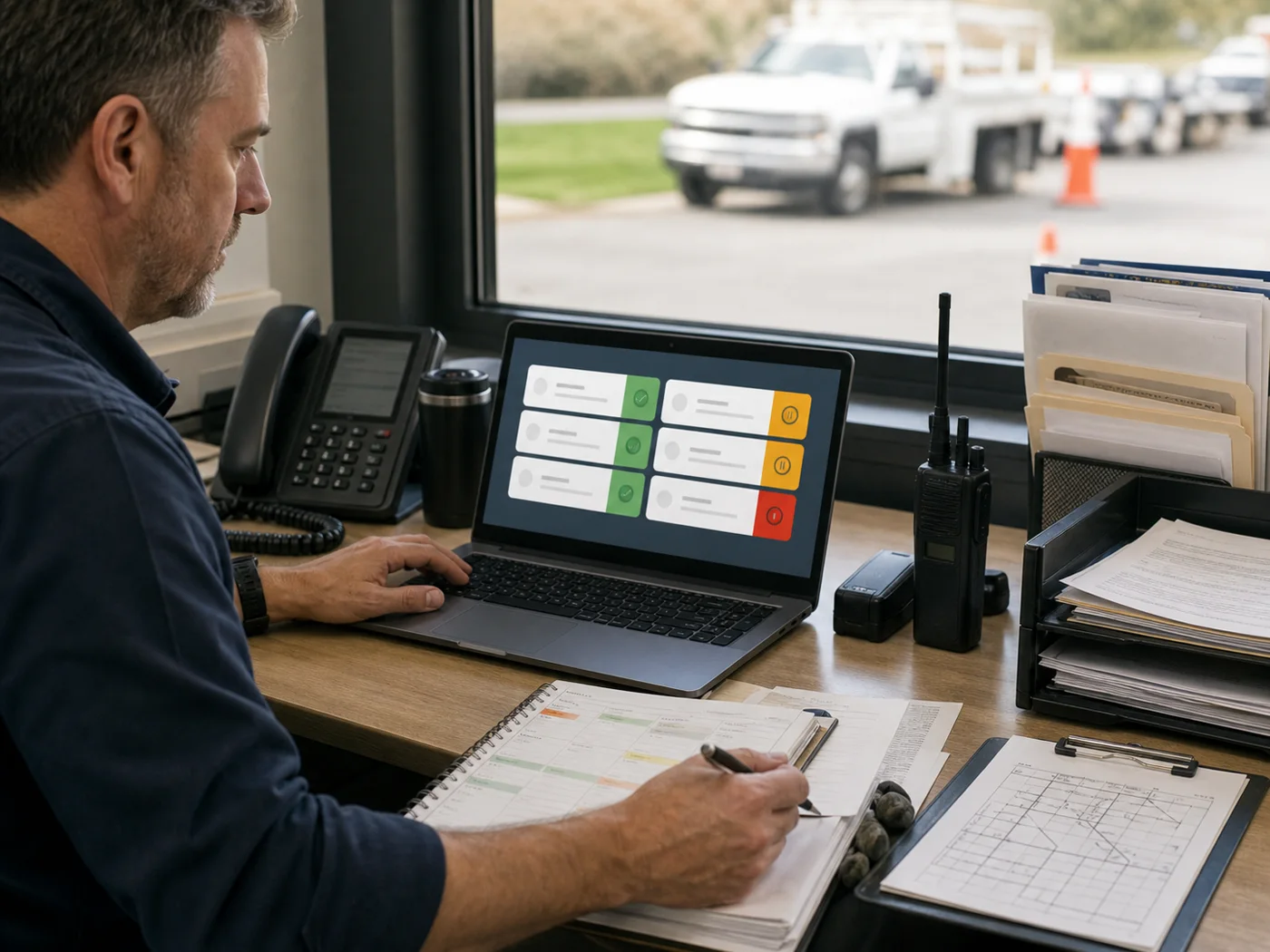
A field-service dispatcher reviewing a prepared queue on a laptop before approving the next actions
The agent prepares. Your operator stays in control.
What an agent actually needs

More than a prompt. Less than uncontrolled autonomy.

A useful agent has the same foundations as a dependable teammate: a clear job, relevant context, the right access, known limits, and a way to inspect the work.

01

Job description

One role, one recurring outcome, and a definition of done.

02

Dedicated workspace

An always-available environment isolated from personal devices and unrelated work.

03

Approved knowledge

Policies, examples, records, vocabulary, and sources selected for the job.

04

Least-access connections

Only the inboxes, calendars, systems, or documents required for the role.

05

Approval and stop rules

Sensitive, external, financial, and uncertain actions wait for a person.

06

Operating evidence

Quality checks, activity history, exceptions, latency, and usage stay visible.

Agent rollout

One role first. Expansion only after proof.

The fastest safe path is a narrow pilot that produces one visible, recurring result. The agent earns more scope through evidence, not enthusiasm.

  1. 01

    Focus

    Choose the job, the recurring output, and the situations that must escalate.

  2. 02

    Connect

    Add the minimum knowledge and tool access needed for that job.

  3. 03

    Evaluate

    Test normal work, edge cases, unsafe requests, and failure recovery before launch.

  4. 04

    Pilot

    Run beside the team with review gates, visible evidence, and a rollback path.

  5. 05

    Expand

    Add actions, channels, or parallel roles only when quality and value hold up.

Fit check

Not every problem needs a platform. Not every workflow needs an agent.

The Strategic Audit identifies the smallest intervention that changes the operation. If an integration, process repair, or off-the-shelf tool is enough, we will say so before a build begins.